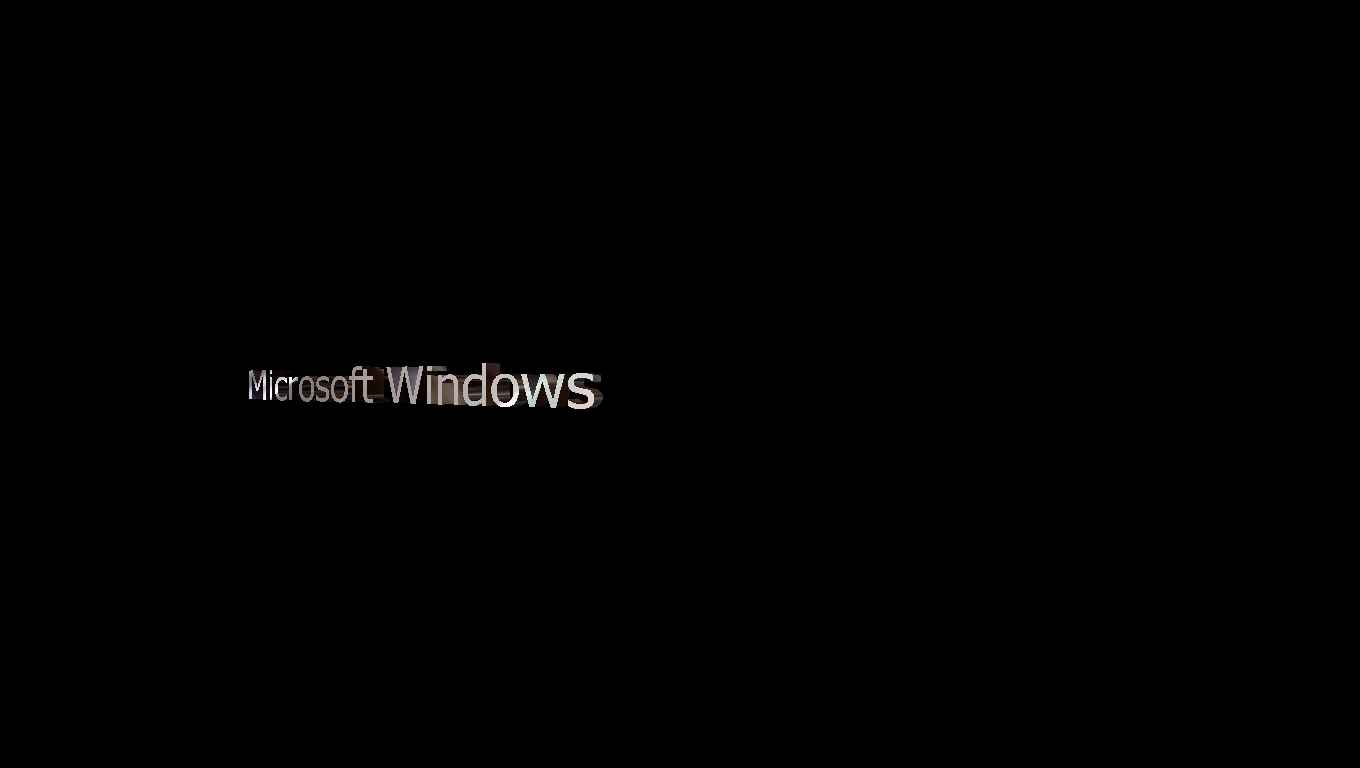

The 3D Text screen saver.
3D Text is a screen saver included with several versions of Microsoft Windows. It was first introduced in Windows NT 4.0 and comes with every subsequent version of Microsoft Windows up to Windows 11. The screen saver's file name is "sstext3d.scr".
From Windows NT 4.0 to Windows Me, 3D Text was rendered with OpenGL. In Windows XP, the screen saver was remade to utilize Direct3D.
Description
This screen saver features a line of text composed of colored, shaded characters depicted as three-dimensional objects, with front and back faces connected along a wide edge. The line of text moves across a black screen.
In the original version of the screen saver, the text rotates much more quickly, and has a slower, less stable movement path. The current version of the screen saver has the text move and rotate at a consistent speed.
Settings
Within the Text section, one of two options can be selected for what is depicted in the screen saver:
- Time - Displays the time according to the system settings. The time is given in the format "HH:MM:SS". "AM" or "PM" follows it as appropriate, unless the system is set to use a 24-hour clock.
- Custom Text - Displays text entered manually. The default text string is "OpenGL" in the original version, "Microsoft Windows" in the Windows XP version, and the name of the operating system in all subsequent versions.
"Choose Font" allows the selection of the Font and Font Style. Any font installed on the system can be used, while Font Style consists of four options: Regular, Bold, Oblique, and Bold Oblique. Tahoma is the default font used, while Regular is the default font style used.
The Resolution, or how complex the modeling of the text is, can be set on a scale of 10 levels, ranging from Low to High. The default setting is at the fifth level.
The Size of the text can be set on a scale of 10 levels, ranging from Small to Large. The larger the text, the less room it will have to move in one direction before changing its movement. The default setting is at the tenth level.
Within the Motion section, the Rotation Type can be set. Five options are available:
- None - The text never rotates in any way, and always faces the front.
- Spin (selected by default) - The text rotates horizontally, while constantly remaining upright. The end in the foreground rotates to the left, while the end in the background rotates to the right. In Windows Vista and later, this option causes the text to stay at the center.
- See-saw - The text pushes one of its ends forward while pushing the other end back, and consistently alternates between the ends. The text remains upright.
- Wobble - The text nods vertically while pushing its ends forward and backward like in See-saw.
- Tumble - The text rotates in all directions, and never reverts its position to balance itself. The text frequently becomes upside-down.
The Rotation Speed of the text can be set on a scale of 20 levels, ranging from Slow to Fast. The default setting is at the tenth level.
Within the Surface Style section, one of three options can be selected:
- Solid Color - The text uses a single solid color, which is automatically shaded. By default, a white color is used. If Custom Color is checked, the Choose Color menu can be accessed to select any of 16,777,216 colors in RGB color space.
- Texture - The text uses a complex surface pattern. By default, a texture made of green, cyan, and gray hues is used. If Custom Texture is checked, the Choose Texture menu can be accessed to select any .bmp file on the user's computer.
- Reflection (selected by default) - The text uses a glossy, alternating surface resembling a reflection. If Custom Reflection is checked, the Choose Reflection menu can be accessed to select any .bmp file on the user's computer.
Show Specular Highlights (checked by default) brightens the shading used by the text.
The Display Settings allow the user to enable or disable 3D hardware rendering; the option to disable 3D hardware rendering is unchecked by default. In Windows XP, it can also be used to select a resolution and color depth matching the user's monitor.
Easter eggs
In the original version of 3D Text, certain custom text entries can result in the screen saver exhibiting a special behavior. Which text entries trigger a special behavior depends on which Windows version's screen saver is used. These entries are not case-sensitive. The following entries trigger special behaviors in at least one version of the original screen saver:
- Volcano - The text alternates between different names of real-world volcanos. All of the volcanos are named entirely with capital letters.
- Not Evil - The text alternates between the names of various people who worked on Windows NT.
- I Love NT - The text reads "good?". As with the other special entries, the text moves into the background and back into the foreground, albeit the text itself does not change.
Notes
- Despite the fact the screen saver did not receive a major update since Windows XP, the version featured in Windows Vista and later versions requires a more sophisticated graphics driver than the Windows XP version. If the Windows XP version is imported to any later version of Windows, it can run with the default driver "VGA Graphics Adapter".