- For the screen saver included with Windows XP and earlier versions, see Mystify Your Mind.
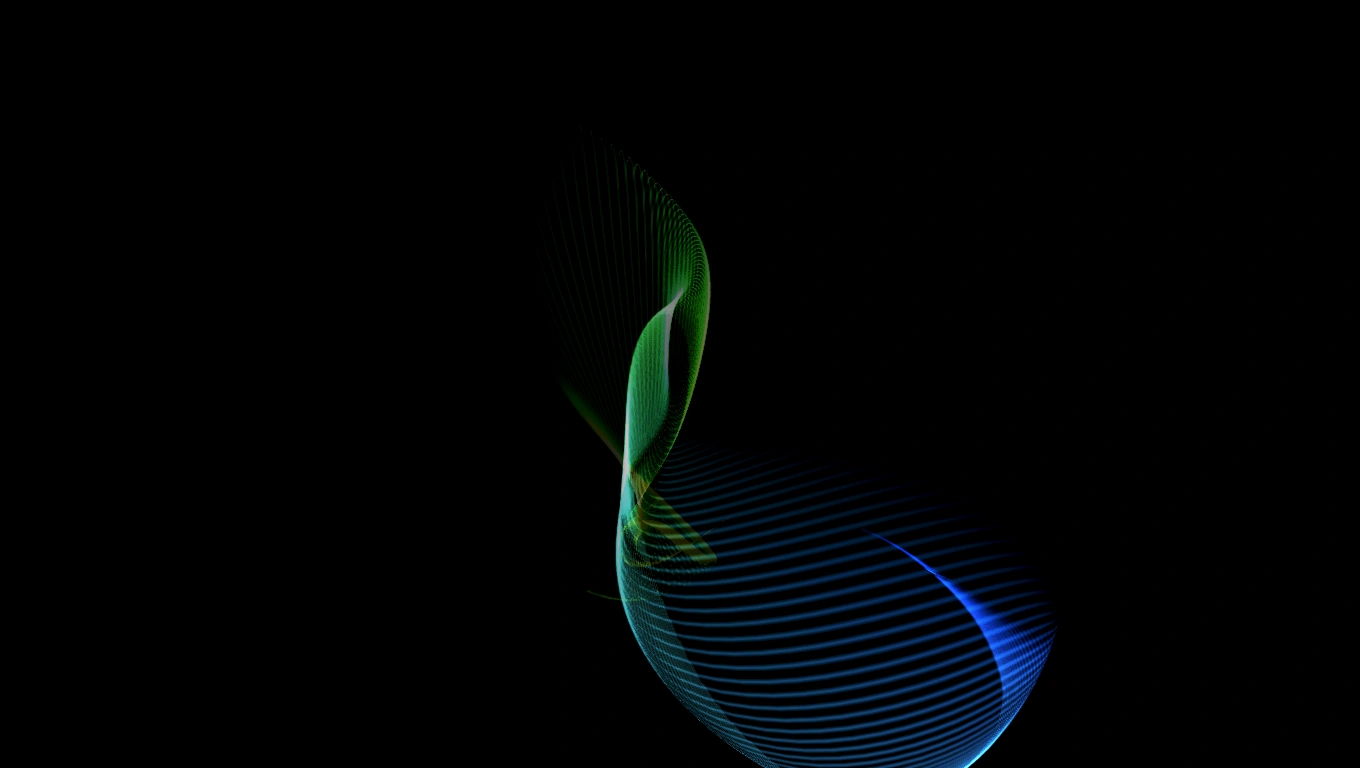

Screenshot of the Mystify screen saver.
Mystify is a screen saver included with every version of Microsoft Windows starting with Windows Vista. The screen saver's file name is "Mystify.scr".
Description
Mystify depicts one or more curved strings of light moving across a black background. The string constantly shifts its shape and cycles across colors. It leaves trails which take after its color and shape, and these fade away after a brief moment. The string's speed and closeness to the screen change at inconsistent rates. When it moves more slowly, trails appear closer to one another and can appear to blend together; when it moves more quickly, the trails have larger gaps between them.
Settings
Mystify does not have a Settings interface enabled, and claims to lack options for the user to set if "Settings" is clicked in Screen Saver Settings. However, Mystify actually has some settings which can be altered; the Registry Editor must be used to adjust these. Under the key "HKEY_CURRENT_USER\Software\Microsoft\Windows\CurrentVersion\Screensavers\Mystify", the following four DWORD values can be created and set to adjust the behavior of Mystify:
- CameraFOV - Adjusts the distance between the screen saver's field of view and the central point the string(s) consistently return to. Decimal values up to 2139095040 will change the result. The lowest values result in the field of view being surrounded constantly by each string, while the highest values will place the central point at a very far distance from the field of view, with strings only occasionally jutting toward the screen's edges.
- LineWidth - Adjusts the intensity of the light from the strings. Decimal values up to 2139095040 will change the result. The lowest values result in the strings shining only slightly brighter than the trails they leave behind, while the highest values create strings with thick, pure white centers.
- NumLines - Adjusts how many flying strings are present. The number set directly corresponds to the number of strings that will be present. The lowest values result few strings and thus fewer trails, while the highest values make it more evident that all strings are moving and rotating along the same base synchronously.
- SpanMultiMon - This option affects how the screen saver appears if multiple monitors are connected. If set to 0, the screen saver will run separately in each monitor. If set to 1, one instance of the screen saver will span all monitors.
Notes
- The file "Mystify.scr.mui", located in folders Windows uses to sort text data for its built-in programs by language, contains programming for an unused Settings dialog for the Mystify screen saver. The same is true of the other screen savers created by Stephen Coy for Windows Vista (Aurora, Bubbles, Ribbons), in relation to their .mui files.