Windows Notepad is a simple text editor program for Microsoft Windows which enables computer users to create and edit plain text documents. It was first released as a mouse-based MS-DOS program in 1983, and has been included in all versions of Windows since Windows 1.0 in 1985.
History
In May 1983, at the COMDEX computer expo in Atlanta, Microsoft introduced the Multi-Tool Notepad, a mouse-based text editor that Richard Brodie had created, along with the US$195 Microsoft Mouse. Multi-Tool Word, a word processor that Charles Simonyi was developing and supported the mouse, also appeared at COMDEX.[1] It has been included with all versions of Microsoft Windows since Windows 1.0 in 1985.[2][3]
Features
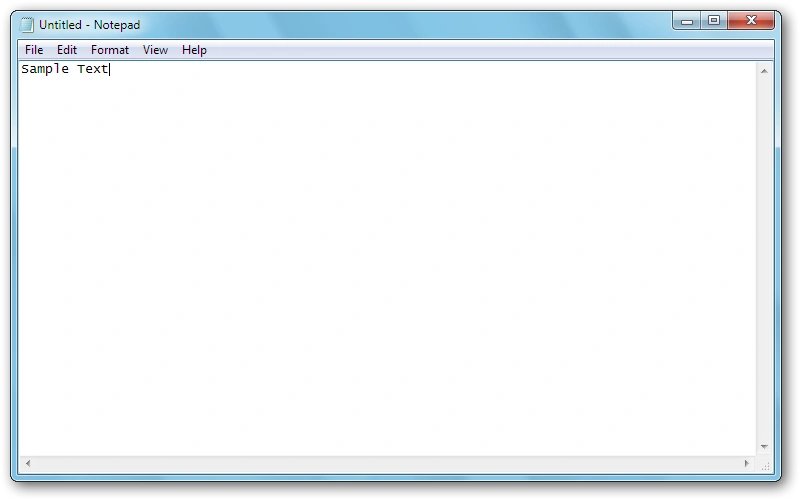

Screenshot of Notepad on Windows Vista.
Notepad is a text editor, or an app specialized in editing plain text. It can edit text files (bearing the ".txt" filename extension) and compatible formats such as batch files, INI files, and log files.
Notepad offers only the most basic text manipulation functions, such as finding and replacing text. Until Windows Me, there were almost no keyboard shortcuts and no line-counting feature. Starting with Windows 2000, shortcuts for common commands like "New", "Open", and "Save" were added, as well as a status bar with a line counter (available only when word-wrap is disabled). Prior to Windows 10 version 1809, Notepad could not properly interpret either Unix-style or Mac-style newline characters.[4] Windows 10 version 1809 also added the CTRL+Backspace keyboard shortcut (deletes the previous word), zoom functionality, the ability to zoom in and out, and the "Search with Bing" function.[5][6]
Improving performance has been the main focus of Notepad's development. As part of this effort, Notepad is capable of reading text files even when other apps have acquired a range-based lock on the file.[7]
On Windows 95 and earlier, Notepad renders text files in the Fixedsys font. Starting with Windows NT 4.0 and Windows 98, it allows users to choose their own font to display the text. They cannot, however, select individual parts of the text and change their fonts. Its default font changed to Lucida Console on Windows 2000, and Consolas on Windows 8.
Notepad can print files. It allows customizing headers, footers, and margins before printing. The date, file name, and other information can be placed in the headers and footers with various codes consisting of an ampersand ('&') followed by a letter.
Notepad accepts text from the Windows clipboard, but only in the CF_TEXT format. It strips the pasted text of any embedded font and style information. One could temporarily paste formatted text into Notepad, then immediately copy it again to obtain the raw text.
Notepad has a simple logging function. Each time it opens a file with ".LOG" on its first line, the app inserts a timestamp on the file's last line.
Simple Markdown support was added in 2025.[8]
Supported file types
If a text file in Notepad is saved with any of the following extensions at the end of the filename, it will be identified as one of the following file types:[9]
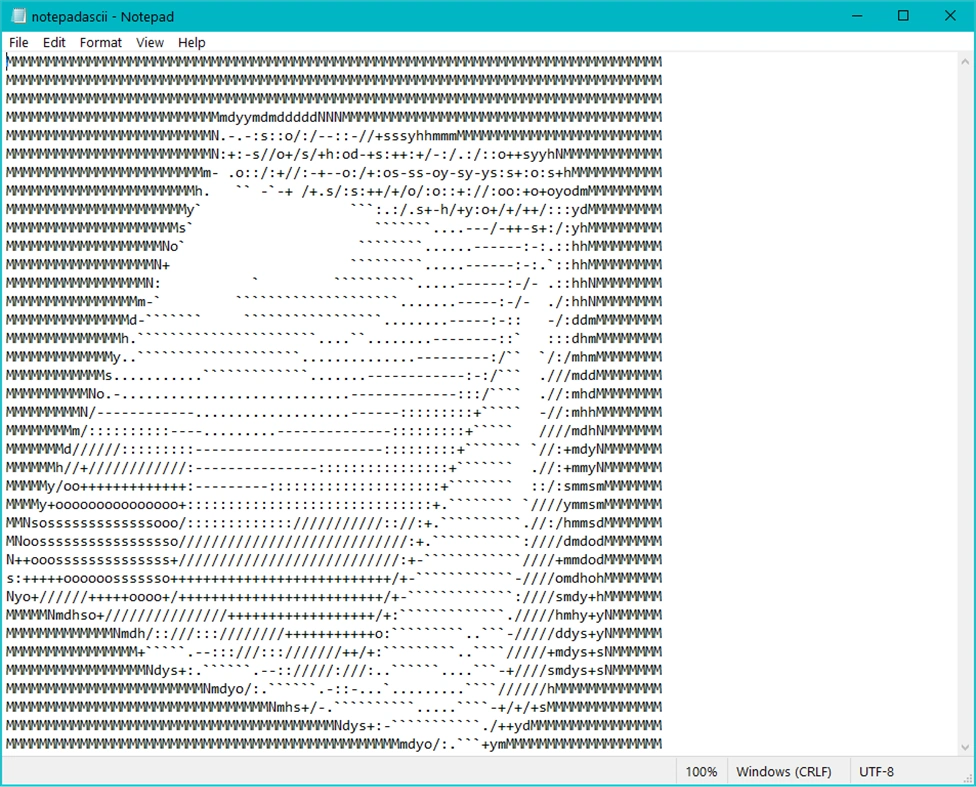

Plain text ASCII art displayed in Notepad.
- .txt (Plain Text File)
- .bat (Batch File)
- .exe (Executable File)
- .reg (Windows Registry File)
- .jar (Java Archive File)
- .vbs (Visual Basic Script File)
- .js (JavaScript File)
- .eml (Email File)
- .arj (Archived by Robert Jung File)
- .dll (Dynamic Link Library File)
- .sys (Windows System File)
- .html (HTML Script File)
- .tar (TAR Archive File)
- .com (COM Executable File)
- .ini (Initialization Configuration File)
- .css (Cascading Style Sheets File)
Encoding support
Notepad supports the following character encodings:
- "ANSI" (the locale-dependent codepage)
- Unicode, encoded as:
- UCS-2 (Windows NT 3.5 to 2000)
- UTF-16 (Windows 2000 and later), both little- and big-endian
- UTF-8 (Windows 2000 and later)
- Before Windows 10, Notepad always inserted a byte order mark character at the start of the file. The BOM has been optional since Windows 10's release.
Starting with Windows 10 1809 Insider build, it supports Unix-style (LF) and Classic Mac OS -style (CR) line endings, along with the native DOS/Windows CRLF style. Before this, only CRLF line endings were recognized.
Opening and editing in left-to-right and right-to-left based languages are done via RichEdit controls and input method editors, available in versions for Windows XP or later.
Limitations
Notepad makes use of a built-in window class named EDIT. The maximum file size Notepad can open depends on operating system limitations on the size of the EDIT window class, with a different limit in each version of Windows. Because of this limitation, on Windows 3.0, Windows 3.1, and Windows 3.11, Notepad could not open files larger than 54 KB. (Microsoft recommended using another text editor for opening files larger than 45 KB). This limit was extended to 64 KB in Windows 95, with users now directed to WordPad for larger files. On Windows XP, Notepad was limited to 32 MB and declined to open bigger files. On Windows 11, Notepad uses the RichEdit control. The size limit was raised to about 1 GB, and attempting to open any file larger than that shows a dialog box suggesting that the user open it with a different text editor.
Unicode detection
The Windows NT version of Notepad, installed by default on Windows 2000 and Windows XP, can detect Unicode files even when they are missing a byte order mark. To do this, it utilizes a Windows API function called IsTextUnicode(). However, this function is imperfect, incorrectly identifying some all-lowercase ASCII text as UTF-16. As a result, Notepad interprets a file containing a phrase like "aaaa aaa aaa aaaaa" ("4-3-3-5") as a two-byte Unicode text file and attempts to display it as such. If a font with support for Chinese is installed, nine Chinese characters (桴獩愠灰挠湡戠敲歡) are displayed; otherwise, it will display squares instead of Chinese characters.
A few people misinterpreted this issue as an easter egg. Many phrases which fit the pattern (including “this app can break”, “Bush hid the facts” and “acre vai pra globo”) appeared on the web as hoaxes. Windows expert Raymond Chen correctly attributed it to the Unicode detection algorithm.
This issue has been resolved in the Windows Vista and Windows 7 versions of Notepad.
References
- ↑ "The good, bad and ugly history of Microsoft hardware" (in en). PCWorld. Retrieved 2017-05-04.
- ↑ Windows 1.01, ToastyTech. Accessed 2022-01-26.
- ↑ Windows turns 35: A visual history by Tom Warren, The Verge. 2020-11-20.
- ↑ Introducing extended line endings support in Notepad by Michel Lopez, Microsoft. 2018-05-08.
- ↑ Check out all the changes in Notepad in the October 2018 Update by Mauro Huculak, Windows Central, 2018-10-05.
- ↑ New features in Notepad in Windows 10, The Windows Club, 2018-10-09.
- ↑ Maintaining Notepad is not a full-time job, but it's not an empty job either by Raymond Chen, Microsoft. "To load a file, Notepad maps a view of the file as a memory-mapped file and uses that as the source. The code figures out the encoding, performs a code page conversion to UTF-16LE if necessary, puts the result in a memory block, and then uses the EM_SETHANDLE message to hand that entire block to the edit control."
- ↑ You can now make text bold or italic in Notepad – hell has frozen over by Sean Endicott, Windows Central. 2025-07-03.
- ↑ Microsoft Notepad: Supported File Types, FileInfo.com. Accessed 2022-01-22.
See also
- WordPad
- XML Notepad
- MS-DOS Editor, Notepad's predecessor
External links
- Notepad in Windows XP Product Documentation at Microsoft.com
- Notepad FAQ in Windows Vista documentation at Microsoft.com
- Windows Notepad at Microsoft
- Help in Notepad at Microsoft Support
 |
Wikipedia
|
|---|